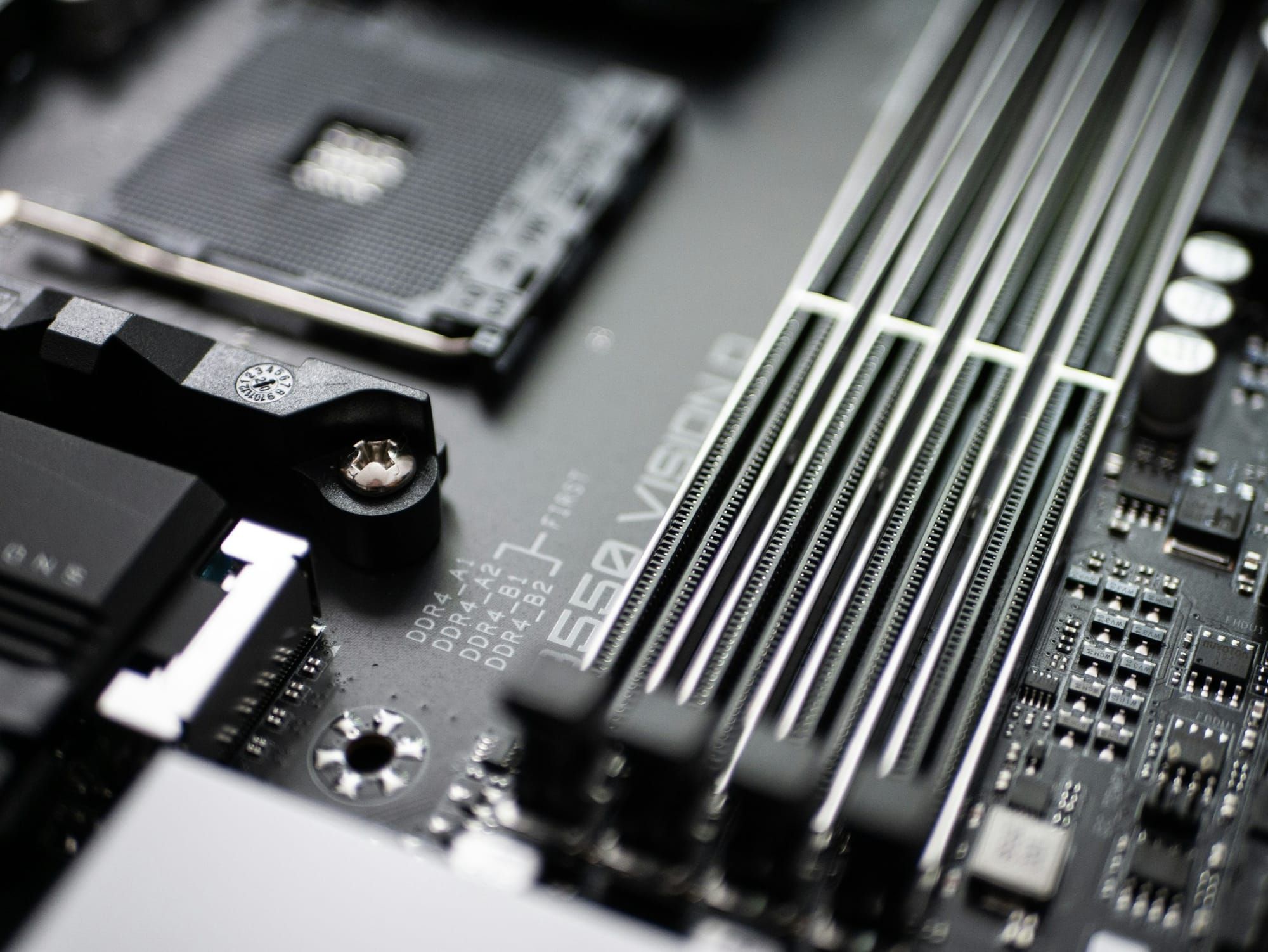
Computer hardware on a board

GPU disposition

Meridian IT Asset Disposition handles retired GPUs alongside servers, workstations, and other hardware. Send individual cards, complete systems, or mixed lots for review.

Category
GPUs
Response
Within 1 business day
Job summary
Recorded by item
Inventory help
Request a visit

GPUs we accept

Examples

  • Server accelerator cards
  • Workstation graphics cards
  • GPUs installed in systems

How to start

  • Send a description or photos, or request an inventory visit. We confirm the scope of each job.

Retire individual cards or the systems around them

A GPU retirement can mean a few cards from upgraded workstations, a group of complete servers, or hardware left over after a computing project. Include the cards and the surrounding equipment in your description. We review standalone components and complete systems, then confirm the scope of the job with you.

You do not need to remove installed GPUs before contacting us. Tell us whether they are in workstations, rack servers, or loose storage. If the lot includes other components, describe those too so collection and handling can be planned together.

Labels and configuration help us understand the lot

A clear photo of the card label and a rough count are useful starting points. If you have them, include the model, manufacturer part number, memory capacity, and the system the card came from. For installed cards, an existing inventory export can help, but it is not required to start.

Note any known faults, missing cooling components, or damage, and say whether the equipment has been tested recently or its condition is unknown. Include brackets, cables, or other accessories in the photos. Keep loose cards protected from physical damage and tell us how they are currently packed before shipping or collection is arranged.

Keep GPU handling and drive handling in the same plan

A graphics card and the storage inside its host workstation or server are separate parts of the retirement job. If complete systems are included, tell us whether their drives are still installed. We agree on storage-media handling before those systems are collected or destroyed.

Components are included in the job summary. Drive sanitization and any requested on-site HDD/SSD shredding are discussed separately, with the service scope and documentation confirmed for your job. You can start with photos or a short description, or request inventory help for a larger collection.

From your request to the job records

  1. Tell us what you have

    Reply within 1 business day

    Send photos or a description, or request an inventory visit.

  2. Get a quote

    Once we have the details

    We confirm the hardware, data handling, and collection plan with you.

  3. We pick it up

    After quote acceptance

    Bay Area pickup within 5 business days. Elsewhere, freight is scheduled within that window.

  4. We process it

    As agreed for your job

    We follow the agreed data-handling plan. On-site work is confirmed before collection.

  5. Receive your records

    At job completion

    We send the job summary and the documentation agreed for your data service.

Questions about GPUs

Can I include GPUs in a mixed lot?

Yes. Include GPUs with the other hardware you need to clear out. We review the whole lot and confirm the scope before collection.

What do I need to send for a quote on GPUs?

Send a description or photos, or request an inventory visit. We confirm the scope of each job.

How are these components documented?

Components appear in the job summary. If your lot also includes storage media, we agree on its data handling separately.

Which GPUs do you accept?

Examples: Server accelerator cards, Workstation graphics cards, GPUs installed in systems. These are examples, not a cutoff. If yours isn't here, send photos or a description for review.

How soon can you pick up GPUs?

Our team picks up in the Bay Area within 5 business days of quote acceptance. Everywhere else in the US, we schedule freight within 5 business days.

Tell us what you need to clear out

Send photos or a description, or request an inventory visit. We reply within 1 business day. No detailed list is required to start.

Get a quote

  1. 1. Hardware
  2. 2. Service
  3. 3. Contact

What needs to go?

Start with photos or a description. You can also ask us to help take inventory.

Photos or a description are enough to start. A detailed equipment list is not required.
Photos or an asset list (optional)

Choose files or drop them here.

Spreadsheets, PDFs, or photos. Up to 10 files and 40 MB total.

    Need help taking inventory? We confirm visit availability and scope with you.
    Include the city or ZIP for better matches. You can also type the address directly.
    We confirm on-site service availability, scope, and documentation for each job.

    We will review your request and reply within 1 business day. You can go back to check your details before sending.

    Request a pickup

    1. 1. Hardware
    2. 2. Service
    3. 3. Contact

    What needs to go?

    Start with photos or a description. You can also ask us to help take inventory.

    Photos or a description are enough to start. A detailed equipment list is not required.
    Photos or an asset list (optional)

    Choose files or drop them here.

    Spreadsheets, PDFs, or photos. Up to 10 files and 40 MB total.

      Need help taking inventory? We confirm visit availability and scope with you.
      Include the city or ZIP for better matches. You can also type the address directly.
      We confirm on-site service availability, scope, and documentation for each job.

      We will review your request and reply within 1 business day. You can go back to check your details before sending.