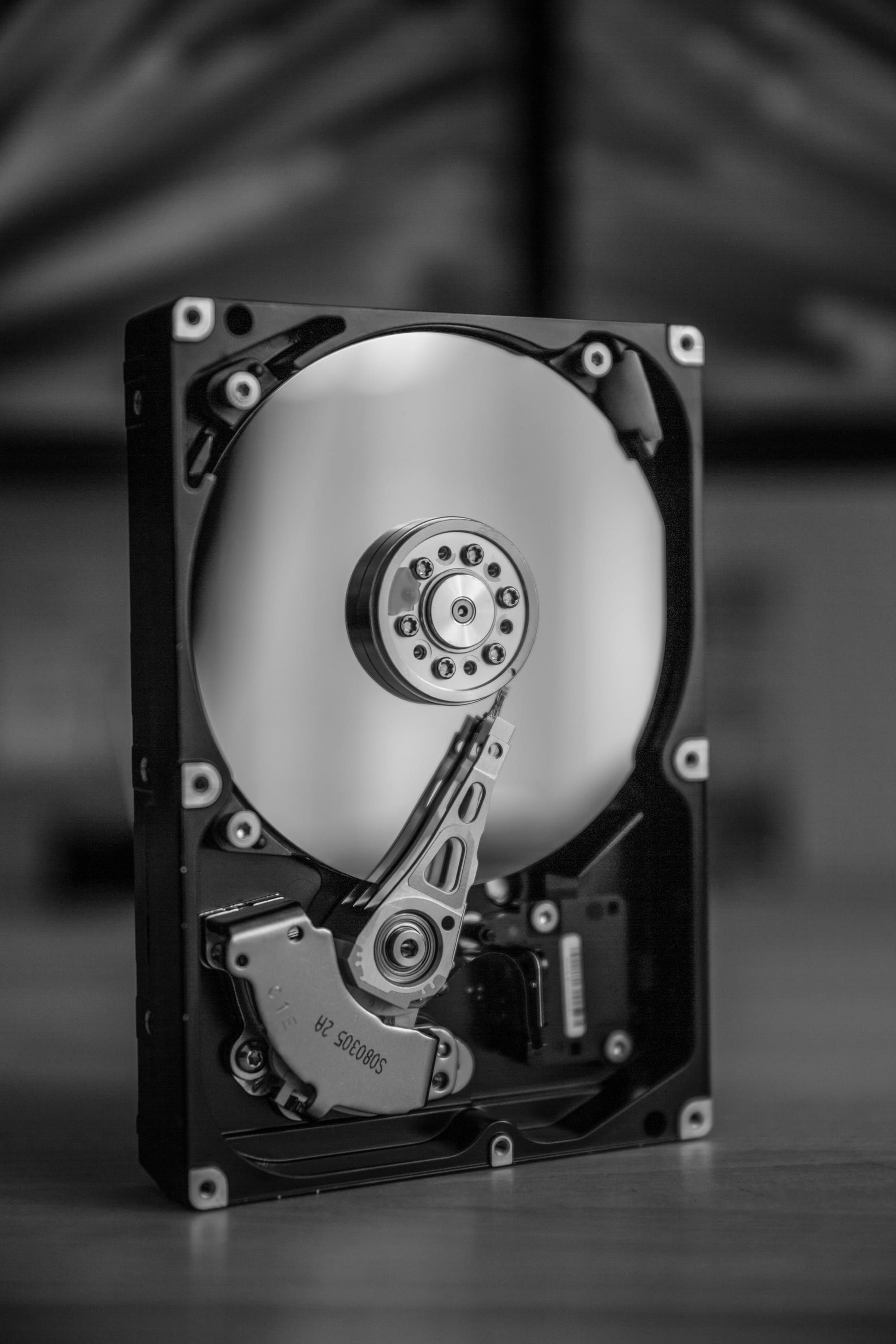
An opened hard disk drive with the platter and read arm visible

Laptop, workstation, and business computer disposal

Meridian IT Asset Disposition clears out office desktops, laptops, workstations, and small servers. We confirm the hardware and data-handling requirements before the job.

Category
Business computers
Response
Within 1 business day
Drive wiping
NIST SP 800-88 in-house
Inventory help
Request a visit

Office computers we accept

Computers

  • Desktops and all-in-ones
  • Laptops
  • Workstations
  • Mini PCs

Office hardware

  • Small office servers
  • NAS boxes
  • Switches and firewalls
  • Loose hard drives

How to start

  • Photos and a rough count are enough to start. Model numbers help if you have them; we follow up for any details needed to prepare a quote.
  • In-house sanitization includes a certificate for each drive serial. Ask about on-site shredding if the drives need to remain at your site.

An office refresh rarely leaves just one kind of computer

A laptop refresh can leave you with desktops under desks, workstations in a back room, and boxes of chargers and loose drives. Tell us about the full collection, including older machines and equipment that no longer starts. We review the lot together and confirm what can be included before arranging collection.

You do not need to identify every processor or open every case. A rough count, a few photos, and the location give us a place to start. Let us know whether the equipment is gathered in one room or spread across floors or offices. If you need help taking inventory, you can request a visit.

Laptops, desktops, and workstations need different details

For laptops, tell us whether chargers are available and whether you know of damaged screens, missing parts, or battery problems. For desktops and mini PCs, photos of the model labels are helpful. Include docks and other accessories in your description so we can confirm their place in the job.

For engineering, design, or other workstations, mention any graphics cards and additional storage you know about. Keep components with their original systems where practical. There is no need to dismantle equipment just to make an inquiry; we can discuss what information is needed next.

Plan the handoff before devices leave the office

Confirm that your team has retained any files it needs before equipment is released. Tell us about company management software, firmware locks, or account restrictions so the responsible administrator can address them. Do not send passwords or recovery keys through the inquiry form.

We agree on the handling of installed and loose drives before collection. In-house sanitization includes a certificate for each drive serial. If drives need to stay at your site for destruction, request on-site HDD/SSD shredding; availability, scope, and documentation are confirmed individually.

From your request to the job records

  1. Tell us what you have

    Reply within 1 business day

    Send photos or a description, or request an inventory visit.

  2. Get a quote

    Once we have the details

    We confirm the hardware, data handling, and collection plan with you.

  3. We pick it up

    After quote acceptance

    Bay Area pickup within 5 business days. Elsewhere, freight is scheduled within that window.

  4. We process it

    As agreed for your job

    We follow the agreed data-handling plan. On-site work is confirmed before collection.

  5. Receive your records

    At job completion

    We send the job summary and the documentation agreed for your data service.

Questions about office computers

Can I include office computers in a mixed lot?

Yes. Include office computers with the other hardware you need to clear out. We review the whole lot and confirm the scope before collection.

What do I need to send for a quote on office computers?

Photos and a rough count are enough to start. Model numbers help if you have them; we follow up for any details needed to prepare a quote.

What happens to the drives in my office computers?

For in-house sanitization, we wipe drives in Oakland to NIST SP 800-88 and issue a certificate per serial. Failed wipes lead to physical destruction. You can request on-site HDD/SSD shredding; availability, scope, and documentation are confirmed per job.

Which office computers do you accept?

Computers: Desktops and all-in-ones, Laptops, Workstations, Mini PCs. Office hardware: Small office servers, NAS boxes, Switches and firewalls, Loose hard drives. These are examples, not a cutoff. If yours isn't here, send photos or a description for review.

How soon can you pick up office computers?

Our team picks up in the Bay Area within 5 business days of quote acceptance. Everywhere else in the US, we schedule freight within 5 business days.

Tell us what you need to clear out

Send photos or a description, or request an inventory visit. We reply within 1 business day. No detailed list is required to start.

Get a quote

  1. 1. Hardware
  2. 2. Service
  3. 3. Contact

What needs to go?

Start with photos or a description. You can also ask us to help take inventory.

Photos or a description are enough to start. A detailed equipment list is not required.
Photos or an asset list (optional)

Choose files or drop them here.

Spreadsheets, PDFs, or photos. Up to 10 files and 40 MB total.

    Need help taking inventory? We confirm visit availability and scope with you.
    Include the city or ZIP for better matches. You can also type the address directly.
    We confirm on-site service availability, scope, and documentation for each job.

    We will review your request and reply within 1 business day. You can go back to check your details before sending.

    Request a pickup

    1. 1. Hardware
    2. 2. Service
    3. 3. Contact

    What needs to go?

    Start with photos or a description. You can also ask us to help take inventory.

    Photos or a description are enough to start. A detailed equipment list is not required.
    Photos or an asset list (optional)

    Choose files or drop them here.

    Spreadsheets, PDFs, or photos. Up to 10 files and 40 MB total.

      Need help taking inventory? We confirm visit availability and scope with you.
      Include the city or ZIP for better matches. You can also type the address directly.
      We confirm on-site service availability, scope, and documentation for each job.

      We will review your request and reply within 1 business day. You can go back to check your details before sending.